Luno’s planned 23 November upgrade: A checklist for Malaysian users
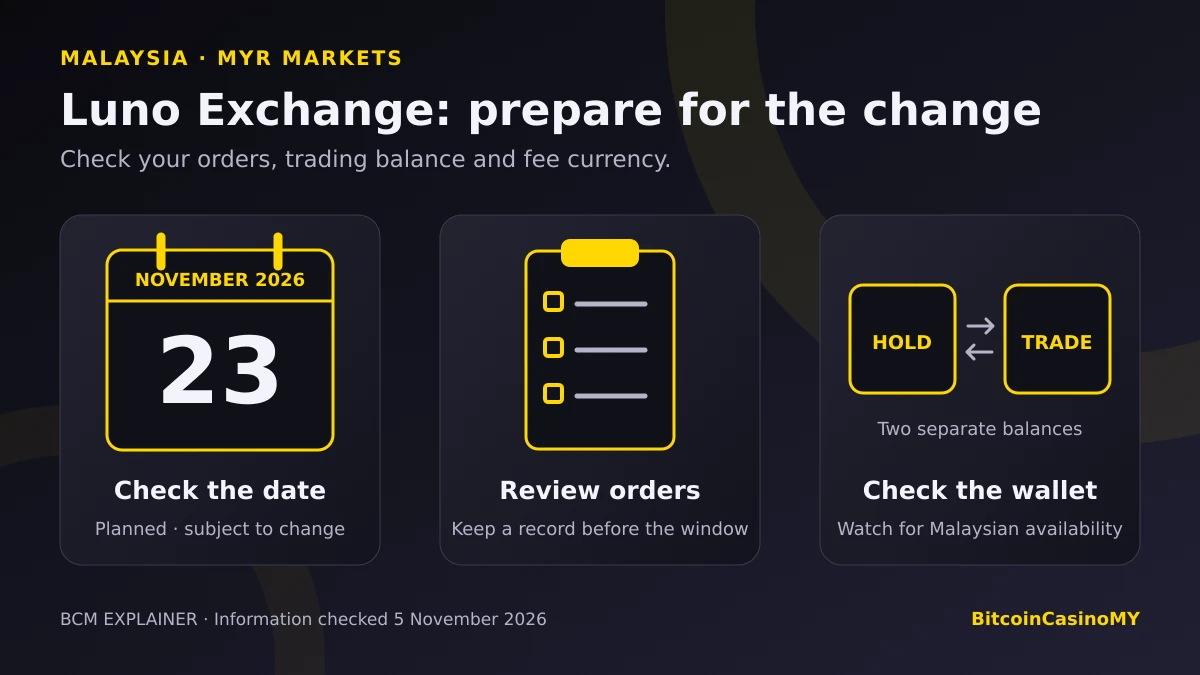
Luno is preparing to move its Malaysian ringgit trading pairs onto a new Exchange engine. For Malaysian users who leave orders open, the practical issue is what happens to those instructions and the balances used to trade.
What happens to an affected market?
According to Luno’s Exchange upgrade announcement, each migrating market will close for approximately one hour. Open orders will be cancelled. The market then enters a 15-minute post-only phase before normal trading resumes.
Luno says it will send email and push notifications at least 48 hours before customers’ markets are affected. The announcement concerns particular Exchange markets, rather than a stated shutdown of every Luno wallet service.
Before the window: keep a private record of any orders you may want to revisit, including the pair, side, price and remaining quantity. After reopening, review the market and your order history before entering a replacement. An old instruction may no longer fit your intentions.
The trading wallet: check availability first
Orders on migrated markets will need funds in a dedicated trading wallet. Luno’s trading-wallet guide distinguishes this from the transactional wallet used for holding funds, deposits and withdrawals. Transfers between the two are described as instant and free.
There is an important rollout caveat. At the time of this check, the guide lists global availability for API users, but app/web availability only in Kenya, Uganda and Indonesia. It specifies mobile version 8.118.1 or newer. That does not establish that Malaysian app users can already access the feature.
Keep the app updated, watch for Malaysian availability and follow Luno’s account instructions when the feature appears. Once your market migrates, fund the trading wallet before placing an Exchange order. Do not assume a balance shown elsewhere in the account is already available for that order.
Trading wallets do not directly support fiat deposits or withdrawals, or blockchain sends and receives. Those use transactional wallets. Trade proceeds go into a trading wallet, so check the wallet location of the balance before planning a withdrawal.
Fees will come from the asset you receive
Luno’s fee-deduction notice says maker/taker rates and fee tiers remain unchanged. What changes, as each market migrates, is the asset used to pay the fee.
Applying that rule to a Bitcoin/ringgit trade:
- Buy BTC with MYR: the fee comes out of the BTC received.
- Sell BTC for MYR: the fee comes out of the MYR received.
Previously, the fee was charged in the base asset in both directions. This is a change to deduction mechanics, not an announced increase or reduction in the fee percentage.
If you track trades in a spreadsheet, check both the currency and net amount of the fee against the execution record. Do not carry forward a calculation that assumes every Bitcoin trade pays its fee in BTC. The same received-asset logic applies to eligible maker rebates, according to Luno.
A separate check for API traders
Automated strategies need more than a calendar reminder. Luno flags changes to fee fields and calculations for order sizing, balances and round-trip results. Review the market-parameter update alongside the wallet and fee documentation before restarting an integration.
Do not treat a bot reconnecting successfully as proof that its accounting is correct. Compare its next recorded fill and available balance with the exchange record before relying on its output.
Your short checklist
- Confirm the window: use the latest official email, app notice and migration page, including any stated time zone.
- Review open orders: decide which instructions still make sense after the interruption.
- Check the wallet: distinguish the trading balance from the transactional balance.
- Reconcile the first trade: verify the received amount and fee currency in your records.
Open the Luno app or your saved official website directly when checking notices. An unsolicited message asking for passwords or a transfer to an external wallet should not be treated as a migration instruction.
Published 5 November 2026. Official sources checked on that date; schedules and availability may change. This is an informational checklist, not investment advice, a live service-status report or a recommendation to trade. We have not tested the upgraded engine. The upgrade does not establish support for casino payments or endorsement of gambling.